How to Check All DNS Records of a Domain (Complete Guide)
Quick Answer: To check all DNS records of a domain, use the dig command-line utility with the ANY flag or individual record queries, or use a specialized online DNS lookup tool. These methods allow you to see exactly what information your nameservers are broadcasting to the internet, helping you verify that your A, CNAME, MX, […]
Best DNS Lookup Tools Compared (Accuracy & Speed Test)
Quick Answer: The best DNS lookup tool depends on your objective. For granular, authoritative debugging, command-line tools like dig are unmatched in accuracy and speed. For quick verification or global propagation checks, browser-based online checkers are more convenient but depend on the provider’s recursive resolver speed and location. Why DNS Lookup Tools Show Different Results […]
How to Choose a Reliable DNS Checker Tool
Quick Answer: Choose a DNS checker that allows you to query specific authoritative nameservers rather than relying solely on recursive cache results. A reliable tool must support all common record types (A, CNAME, MX, TXT, SOA), offer global propagation testing, and provide raw, unformatted data output for deep technical verification. Why Choosing the Right DNS […]
DNS Lookup vs DNS Propagation Checker (When to Use Each)
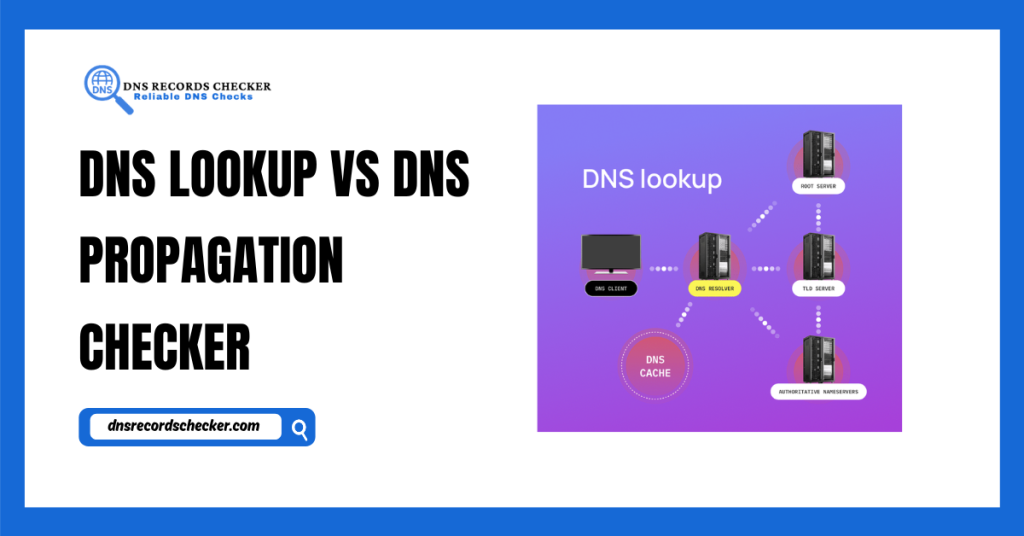
Quick Answer: Use a DNS Lookup tool to view the current authoritative records for a domain and debug configuration errors. Use a DNS Propagation Checker when you have made a change (such as updating an IP address) and need to verify whether that change has reached recursive resolvers across the globe. Why DNS Lookup and […]
How to Audit DNS Records Before Website Migration
Quick Answer: Before migrating a website, perform a full DNS Records audit by mapping all active records, reducing your TTL (Time-to-Live) to 300 seconds, and documenting TXT records for email. Verify these records against your authoritative nameserver, not just a recursive cache, to ensure the new server will handle all traffic, subdomains, and mail services […]
What Makes a DNS Checker Accurate? (Behind the Tool)
Quick Answer: An accurate DNS checker must distinguish between authoritative lookups and recursive lookups. It should query the domain’s primary nameserver directly to reveal the true state of your zone file, while simultaneously checking multiple global recursive resolvers to report propagation status. If a tool doesn’t clarify which query type it is performing, it is […]
How to Verify DNS Changes Before Going Live
Quick Answer: To verify DNS changes before go-live, query your authoritative nameserver directly using dig or a dedicated verification tool. Bypass global recursive caches by targeting the specific nameserver hosting your records. If the record returns the expected value there, your change is correctly staged. Only after this verification should you consider propagation to the […]
DNS Health Check: What to Analyze in Your Domain
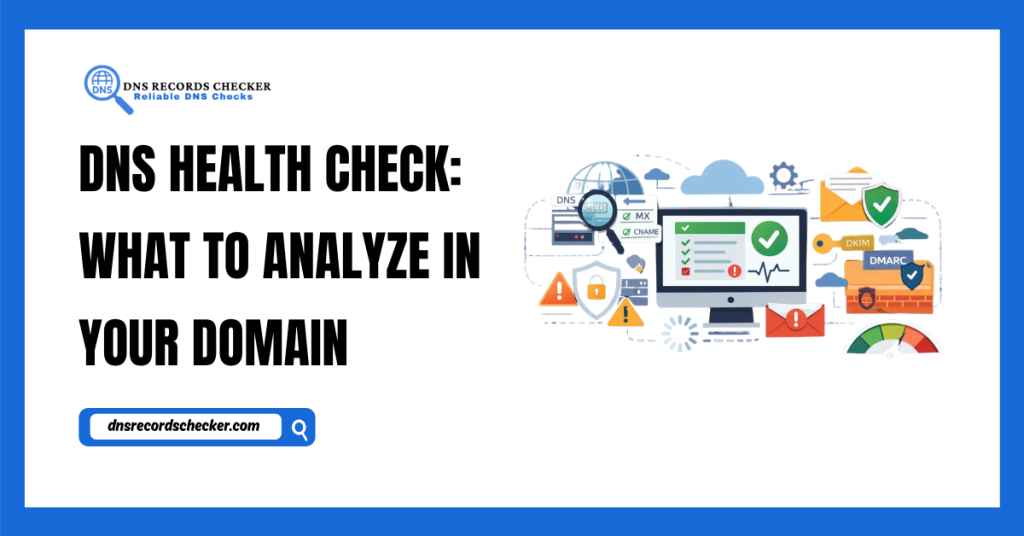
Quick Answer: A DNS health check is the systematic audit of your domain’s zone records, nameserver responses, and propagation status. It confirms that your A, MX, TXT, and CNAME records are valid, that your TTL settings allow for agility, and that your security protocols, such as SPF, DKIM, and DNSSEC, are correctly configured to prevent […]
How to Monitor DNS Changes Automatically
Quick Answer: Automatic Monitor DNS detects unauthorized or accidental changes to your domain records by polling your authoritative nameservers for updates to your SOA (Start of Authority) serial number and record values. By receiving instant alerts when a record changes or fails to resolve, you can prevent downtime, subdomain takeovers, and email delivery failures before […]
DNS Audit Checklist for Businesses
Quick Answer: A DNS audit checklist for businesses covers the validation of critical record types (A, MX, TXT, CNAME), TTL configuration, and security settings. By systematically reviewing your zone files, you verify email deliverability, prevent site outages caused by record drift, and protect your domain against unauthorized subdomain takeovers. Why Every Business Needs a DNS […]